How to Build a Personal AI Companion That Actually Remembers You

Every AI conversation starts from zero. You explain who you are, what you need, what you already tried. Then the session ends and it all evaporates. You do it again tomorrow.
This is the setup guide for a system that fixes that. A persistent AI companion that runs on your server, lives inside your notes, remembers everything, and talks to you on Telegram. It wakes up every 15 minutes to check on things. It writes you a daily blog post. It consolidates its own memories while you sleep. And the whole thing runs on markdown files inside an Obsidian vault.
This guide was inspired by the OpenClaw project — an open-source framework for building persistent AI companions. The architecture described here follows a similar philosophy: give the AI a file-based memory, a structured vault, and a heartbeat scheduler, and let it grow into something that genuinely knows you.
No cloud platform. No SaaS subscription beyond Claude itself. Just a Linux box, a text editor, and an AI that gets smarter about you every day.
Here is every step to get from a fresh machine to a working system.
What You Are Building
Before touching any terminal, here is what the finished system looks like:
- A persistent AI agent running Claude Code on a Linux server, with its own personality, memories, and task scheduler
- A Telegram bot on your phone that connects to the agent — send a message from anywhere and get a response backed by your full context
- An Obsidian vault that acts as the AI's brain — memories, conversations, plans, skills, and notes all stored as markdown files that sync across devices
- Scheduled tasks that run automatically — daily blog posts, memory consolidation, inbox updates, insight generation
- A memory system where the AI learns about you over time and never forgets
The architecture is deliberately simple. Everything is markdown. The orchestrator is a bash script. The AI engine is Claude Code's CLI. No Docker, no Kubernetes, no database. Just files.
Part 1: The Machine
You need a Linux server. This can be a cheap VPS, an old laptop in your closet, or a cloud instance. The system runs on Ubuntu and needs very little — Claude Code does the heavy lifting.
Step 1: Get a Server
Any Linux box works. A $5/month VPS from DigitalOcean or a GreenCloud instance is more than enough. You need:
- Ubuntu 22.04 or newer
- 2 GB RAM minimum
- SSH access
- A stable internet connection (the AI makes API calls)
Step 2: Install Claude Code
Claude Code is Anthropic's CLI tool. It runs Claude directly in your terminal with full file system access.
# Install Node.js (required for Claude Code)
curl -fsSL https://deb.nodesource.com/setup_20.x | sudo bash -
sudo apt-get install -y nodejs

# Install Claude Code globally
npm install -g @anthropic-ai/claude-code

# Authenticate
claude auth login
You need an Anthropic account. The minimum is the Pro plan ($20/month). For scheduled tasks running Opus, the Max plan ($100-200/month) is worth it — Opus 4.6 is the strongest model available and the quality difference in blog posts, analysis, and complex reasoning is significant.
Step 3: Install Python
The Telegram bot runs on Python. Most Ubuntu systems have it, but make sure:
sudo apt install python3 python3-pip -y
pip3 install --break-system-packages requests google-genai Pillow
Step 4: Create the Vault Directory
mkdir -p ~/ai-companion/files/MyVault
cd ~/ai-companion/files/MyVault
This is the root of everything. Claude Code reads a CLAUDE.md file in this directory every time it runs, which tells it how to behave.
Part 2: The Vault Structure
The vault is a set of folders. Each one has a specific purpose. Create them all:
mkdir -p Memories Conversations Plans Notes/AI-Blog Notes/AI-Blog/_res Notes/_res Skills Scheduled_Tasks scripts
Here is what each folder does:
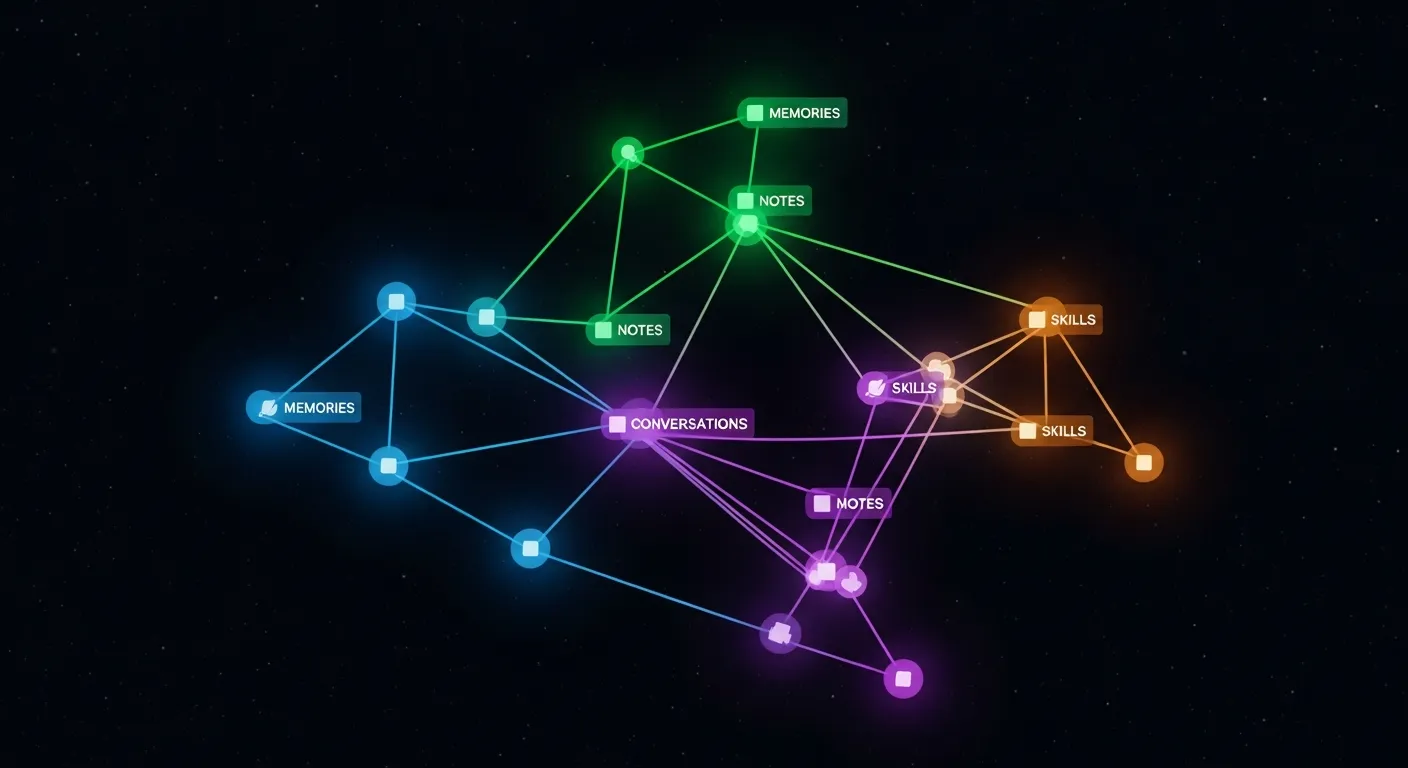
Memories/
The AI's long-term brain. Contains markdown files that persist across sessions:
- SOUL.md — The AI's personality. Who it is, how it talks, its boundaries. This is the file that makes it feel like someone instead of a generic chatbot.
- USER.md — Everything the AI knows about you. Interests, family, work, preferences, credentials. Updated continuously.
- PATTERNS.md — Behavioral patterns the AI notices about you over time.
- Consolidated files — Daily summaries generated by the memory consolidation task.
Conversations/
Every interaction gets logged here with millisecond timestamps. The AI reads recent conversations for context. Old ones get archived. Format: telegram_{chatid}_{timestamp}.md.
Plans/
Before the AI does anything complex, it writes a plan here as a markdown checklist. It works through each item, checks them off, retries on failure. This is the "Ralph Wiggum Pattern" — iterate, retry, never give up after the first failure.
Notes/
Your actual Obsidian notes. The AI can read and create files here. Sub-folders keep things organized:
AI-Blog/— Generated blog posts with banner images_res/— Attachments (images, downloads)News_Sources/— Curated news feedsInbox.md— Auto-aggregated daily task list
Skills/
Reusable instruction modules. Each skill is a folder with a SKILL.md file that teaches the AI how to do something specific:
- telegram/ — How to run the Telegram bot and send messages
- google-gemini-images/ — How to generate images using Google's Imagen API
- google-workspace-gmail_calendar/ — How to read emails and calendar events via IMAP/CalDAV
- todoist/ — How to integrate with Todoist for task management
- reddit-reader/ — How to pull news from Reddit
The AI checks its skills before every task. If a skill matches, it reads and follows the instructions.
Scheduled_Tasks/
Background jobs that run automatically. Each task is a folder containing a TASK.md with YAML frontmatter:
---
name: My Task
description: What this task does
repeat: true
first_execution: 2026-02-13 06:00
repeat_every: 1 days
model: opus
---
The task body is a markdown prompt that Claude Code executes. Built-in tasks include:
- consolidate-memories — Runs daily. Reads all ephemeral memory files, deduplicates, and synthesizes into long-term memory.
- blog-your-ideas — Runs daily. Researches news related to your interests and writes a blog post with a generated banner image.
- update-inbox — Runs every 6 hours. Aggregates tasks from Gmail, Calendar, Todoist, and local notes into a single inbox.
- generate-insights — Runs every 6 hours. Analyzes vault state and surfaces patterns, reminders, and action items.
Part 3: The CLAUDE.md File
This is the most important file. Claude Code reads it automatically every time it starts in this directory. It tells the AI what the vault structure is, how to behave, and what protocols to follow.
Create CLAUDE.md in your vault root:
# CLAUDE

## Repository Layout
This root directory contains all information you need.

### Skills
Skills are stored in `Skills/`

### Memories
Memories are stored in `Memories/`

### Conversations
Conversations are stored in `Conversations/`

### Scheduled tasks
Scheduled tasks are stored in `Scheduled_Tasks/`

### Plans
Plans are stored in `Plans/`

### User files
User files are stored in `Notes/`

## How you should work
You are ephemeral. Your memory resets after each session.
Save anything important to disk.

### Memory Protocol
1. READ: Review saved memories before responding.
2. LEARN: Store new information about the user immediately.
3. NEVER SKIP: Always look for implicit information to save.

### Skills
Before executing ANY task, check your skills folder.
If a skill matches, read it first and follow its instructions.

### Plans
Plan everything by creating a checklist in Plans/.
Follow it until all tasks are completed.
Customize this to your workflow. The key insight: Claude Code treats this file as gospel. Whatever protocols you define here, it follows.
Part 4: The Heartbeat
The heartbeat is a single bash script that runs every minute via cron. It is the orchestrator — the one cron job that triggers everything else.
Create Scheduled_Tasks/heartbeat.sh:
The script does three things every minute:
- Scans
Scheduled_Tasks/*/TASK.mdfor tasks that are due - Executes due tasks by calling
claude -p "[task content]" --model [model] - Monitors the Telegram bot and restarts it if it crashes
Set up cron:
chmod +x Scheduled_Tasks/heartbeat.sh
crontab -e
# Add this line:
* * * * * /path/to/your/vault/Scheduled_Tasks/heartbeat.sh >> /path/to/your/vault/Scheduled_Tasks/heartbeat.log 2>&1
That is it. One cron job. Everything else is orchestrated through markdown files.

Part 5: The Telegram Bot
This is how you talk to your AI from your phone. No app to build — just a Python script that long-polls the Telegram API. Similar to how OpenClaw approaches messaging interfaces, the bot gets full vault access — it can read files, save memories, generate images, and carry on conversations with persistent context.
Step 1: Create a Bot on Telegram
- Open Telegram and search for
@BotFather - Send
/newbot - Choose a name and username
- Copy the API token — you will need it
Step 2: Get Your Chat ID
Send any message to your new bot, then run:
curl https://api.telegram.org/bot<YOUR_TOKEN>/getUpdates
Find "chat":{"id":YOUR_CHAT_ID} in the response.
Step 3: Set Up the Bot Script
The bot script (Skills/telegram/telegram_bot.py) does the following:
- Long-polls Telegram for new messages (no webhook needed — works behind NAT)
- Downloads any media (photos, voice messages, documents) to
Notes/_res/ - Loads vault context: personality from
SOUL.md, user info fromUSER.md, recent memories and conversations - Calls
claude -p "[context + message]" --model sonnetas a subprocess - Saves every exchange to
Conversations/ - Sends the response back to Telegram (splitting messages over 4096 characters)
- Writes a PID file and liveness timestamp so the heartbeat can monitor and restart it
Step 4: Environment Variables
export TELEGRAM_BOT_TOKEN="your-token-here"
export TELEGRAM_ALLOWED_CHAT_IDS="your-chat-id"
The heartbeat auto-starts the bot. If it crashes, heartbeat restarts it within 60 seconds. If the bot goes stale (no liveness update in 180 seconds), heartbeat kills and relaunches it.

Part 6: Obsidian (Your Phone and Desktop)
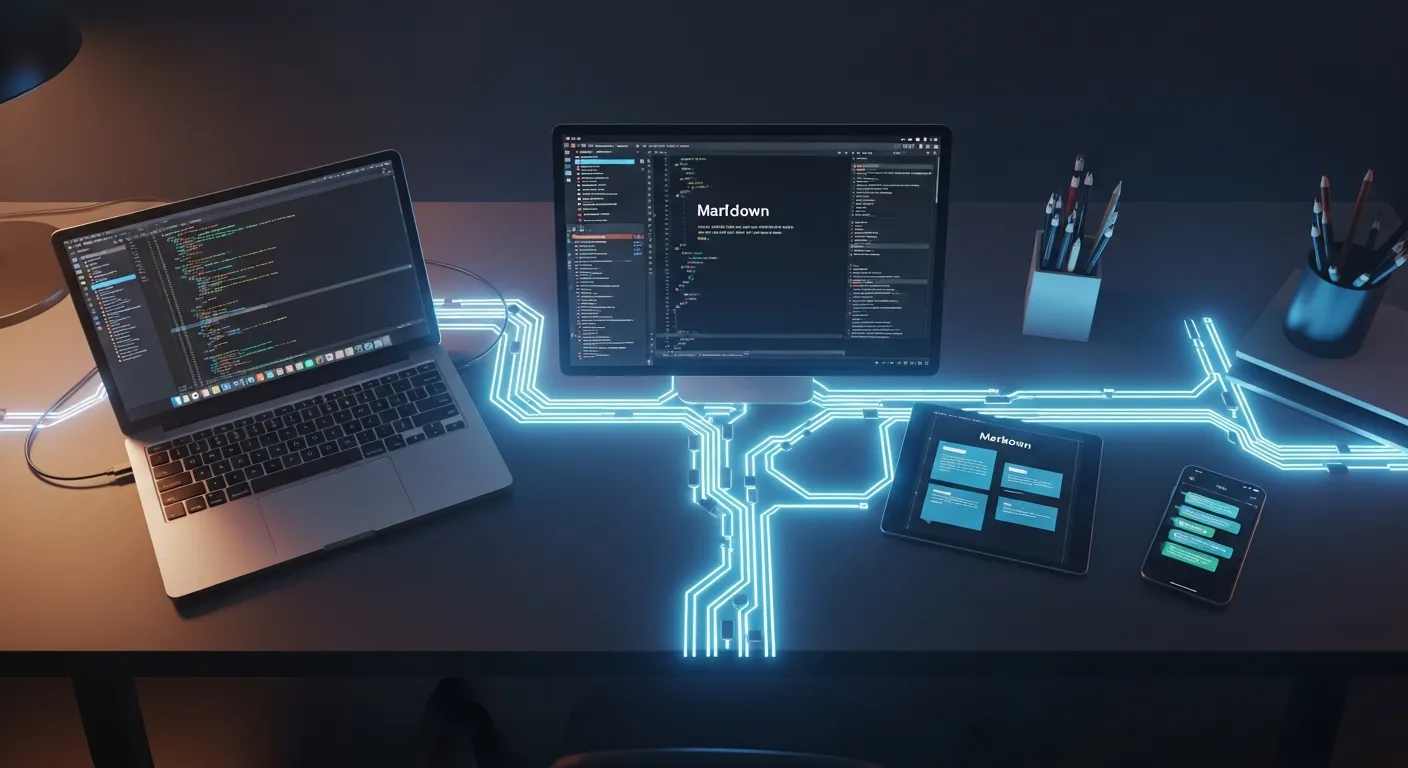
The vault is just a folder of markdown files. Obsidian turns it into a connected knowledge graph.
Desktop Setup
- Download Obsidian (free)
- Open the vault folder as an Obsidian vault
- Your AI's memories, blog posts, conversations, and notes appear as linked documents
Phone Setup
- Install Obsidian on iOS or Android (free)
- Enable Obsidian Sync ($4/month) to keep your phone vault in sync with the server
- Alternatively, use Syncthing or iCloud/Google Drive for free sync
Why Obsidian Matters
Obsidian is not just a viewer. It is the AI's file system rendered as a knowledge graph. You can:
- Read the AI's blog posts on your phone
- Browse its memories and see what it knows about you
- Check the inbox it generated
- Review conversation logs
- Edit any file and the AI picks up the changes next session
The vault syncs both ways. You write a note on your phone, Obsidian Sync pushes it to the server, the AI reads it next time it wakes up.
Part 7: The Memory Architecture
This is what makes the system different from a regular chatbot. The AI has a two-tier memory system:
Tier 1 — Ephemeral memories. Every session, the AI writes timestamped markdown files to Memories/. These capture what it learned: your preferences, new facts, task outcomes, things you mentioned.
Tier 2 — Consolidated memories. Once a day, the consolidate-memories scheduled task runs. It reads all ephemeral files, deduplicates, identifies patterns, and writes structured long-term memory files. Old ephemeral files get archived.
The result: the AI's understanding of you compounds over time. Day one, it knows your name. Day thirty, it knows your schedule patterns, your recurring frustrations, your decision-making style, and which tasks you consistently defer.
The SOUL.md file is special — it is the AI's personality definition. It persists across all sessions and gets pre-loaded into every prompt. If you want a sarcastic AI, define that here. If you want a formal assistant, change the tone. The AI reads this file as its identity.

The Full Picture
You (phone/desktop)
    │
    ├── Telegram ──→ Bot (Python) ──→ Claude Code CLI
    │                                      │
    └── Obsidian ←──── Vault (Markdown) ←──┘
                           │
                     Heartbeat (cron)
                           │
                    Scheduled Tasks
                    ├── Blog writer
                    ├── Memory consolidation
                    ├── Inbox aggregator
                    └── Insight generator
Everything converges on the vault. The AI reads from it, writes to it, and persists through it. Obsidian renders it for you. Telegram lets you talk to it. The heartbeat keeps it alive.
What It Costs
| Component | Cost |
|---|---|
| Claude Code (Pro) | $20/month minimum |
| Claude Code (Max, recommended) | $100-200/month |
| Obsidian Sync | $4/month (optional) |
| VPS server | $5-10/month |
| Telegram | Free |
| Obsidian app | Free |
| Total | $29-214/month |
The Claude subscription is the main cost. Everything else is cheap or free. The Max plan is worth it if you run scheduled tasks on Opus — the quality of daily blog posts, memory consolidation, and complex analysis is noticeably better than Sonnet.
Key Takeaways
- The entire system runs on markdown files, a bash script, and Claude Code's CLI — no databases, no Docker, no complex infrastructure
- One cron job (heartbeat.sh) orchestrates everything: scheduled tasks, Telegram bot health monitoring, and vault sync
- The two-tier memory system (ephemeral + consolidated) gives the AI compounding context about you over time
- Obsidian turns the AI's brain into a navigable knowledge graph on your phone and desktop
- Skills are modular and expandable — add new capabilities by dropping a
SKILL.mdfile into a folder - Scheduled tasks are defined in markdown with YAML frontmatter — adding a new task means creating one file
The system is deliberately simple because simple systems are reliable. There is no orchestration framework to break, no container runtime to maintain, no database migrations to run. Just files, a shell script, and an AI that reads them.
References: